
peeq for Business
Display team schedules, manage shared resources, and keep everyone coordinated
Streamline Your Workplace
Manage conference room availability, coordinate team schedules, or help individuals track their day — all with flexible display options.
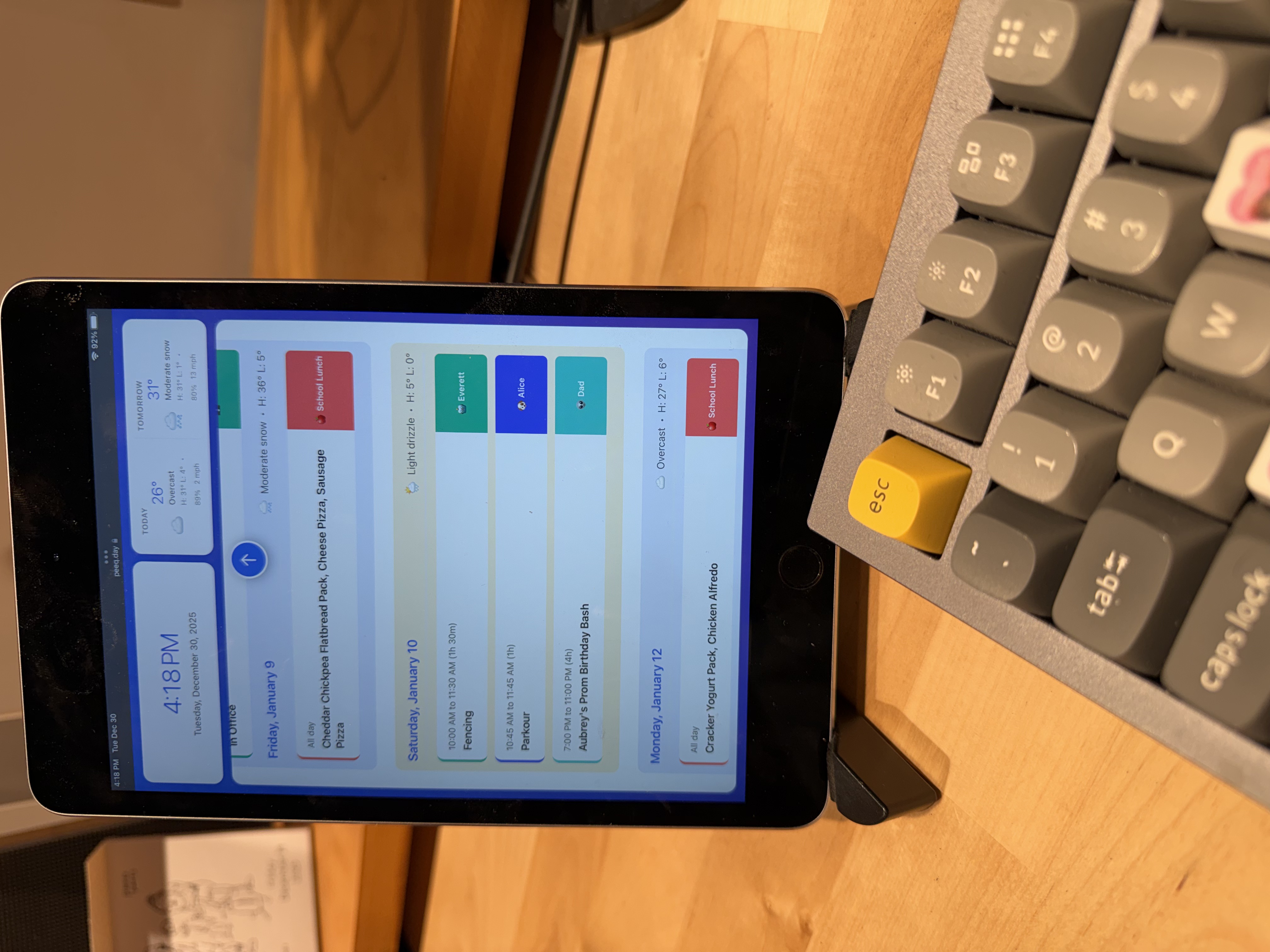
Business Use Cases
🚪 Conference Room Displays
Display calendars for shared resources like conference rooms using the Today view. Mount a tablet or e-ink display outside each room so people can instantly see if it's available or when the current meeting ends.
👥 Team Schedule Hub
Show your team's combined calendar in their workspace. Everyone can see who's in meetings, who's available, and what's coming up. Great for small teams who need to coordinate throughout the day.
📊 Manager's Overview
Let managers see what their team has going on in one spot. Aggregate calendars from direct reports to get visibility into team capacity and availability without interrupting anyone's workflow.
📱 Personal Desk Displays
Give everyone a small e-ink display using the Now & Next view. At a glance, see your current meeting (or that you're free) and what's coming up next. Perfect for staying on top of a busy schedule without constantly checking your phone.
Display Options for Business
Today View
Shows all events for the current day in a clean, easy-to-read format. Perfect for conference room displays or wall-mounted tablets where you need to see the full day's schedule. Can be rendered as a PNG for e-ink displays like hacked Kindles or TRMNL devices.
Now & Next View
A minimal view showing just your current event (or "Free") and the next upcoming event. Ideal for small personal displays, e-ink screens on desks, or anywhere space is limited. Updates in real-time as your day progresses.
Week View
The full dashboard showing two weeks of events. Best for larger displays, wall-mounted tablets, or situations where you need to see the broader schedule context.
Implementation Ideas
Create an account per room with just that room's calendar. Mount a tablet outside showing the Today view. Set up screen dimming for overnight power savings.
Create a team account and add calendar feeds from each team member. Display on a larger tablet or monitor in the team's area. Color-code each person's calendar for easy visual identification.
For desk displays, consider small e-ink devices like TRMNL or DIY solutions. They're low-power, easy on the eyes, and don't add another glowing screen to the workspace. The Now & Next view works perfectly at small sizes.
Get Started
Ready to bring peeq to your workplace? Sign up for free and create dashboards for your conference rooms, teams, or individuals. Each dashboard can have its own set of calendars and display settings.
Need help planning a deployment for your organization? Contact us and we'll help you get set up.